
Emails
Bulk Emails
In clinic management under the communications tab there is an option to send bulk emails. This feature allows you to send emails to multiple patients based on their assigned tags. For instance, all patients with the "cancer" tag could receive an email about yearly cancer screenings.
How Do You Send A Bulk Email?
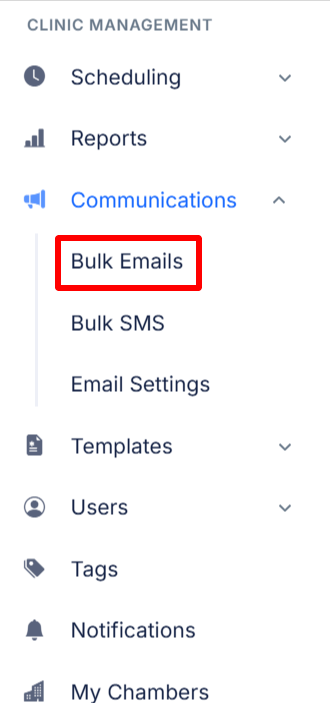
- First go to the Clinic Management Menu and select Communications then Bulk Emails.
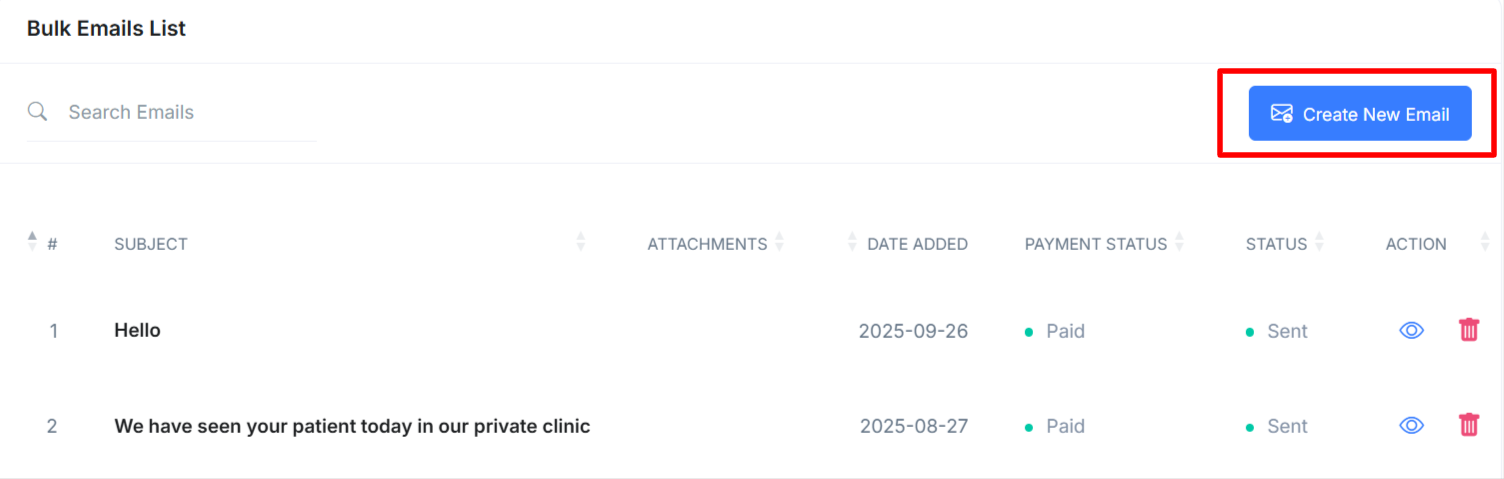
- After selecting Bulk emails you'll be brought to this screen below. Now select Create New Email.
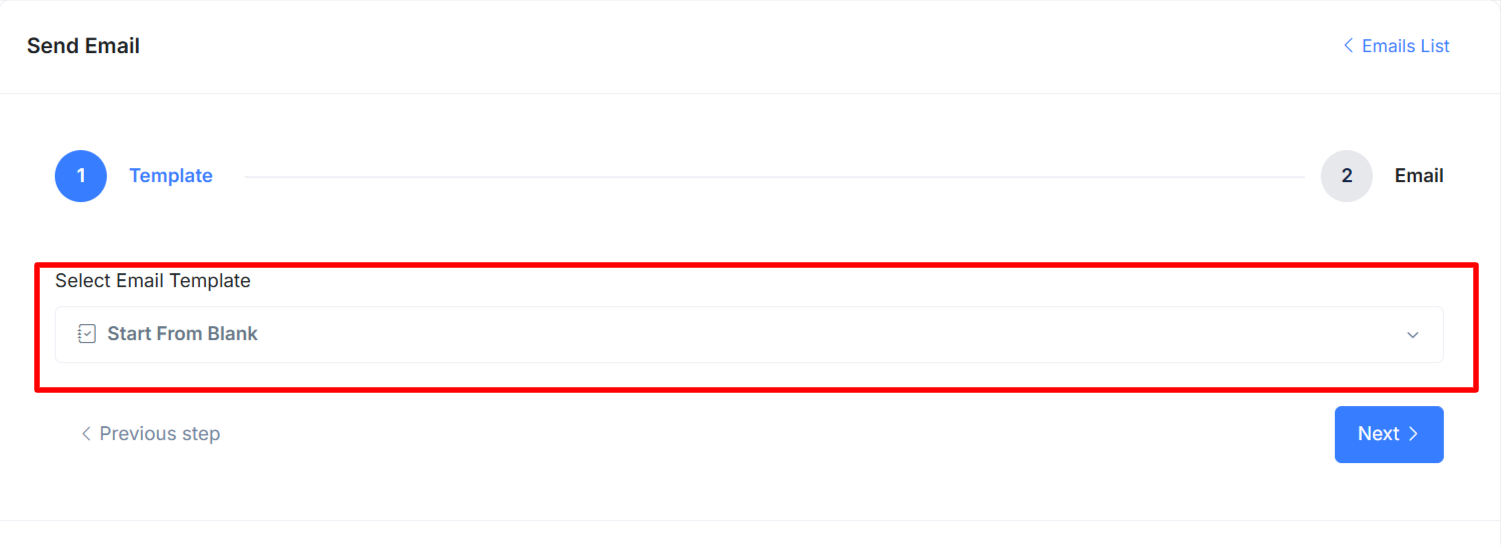
- Now select the template you would like to use, or start from blank then click "Next".
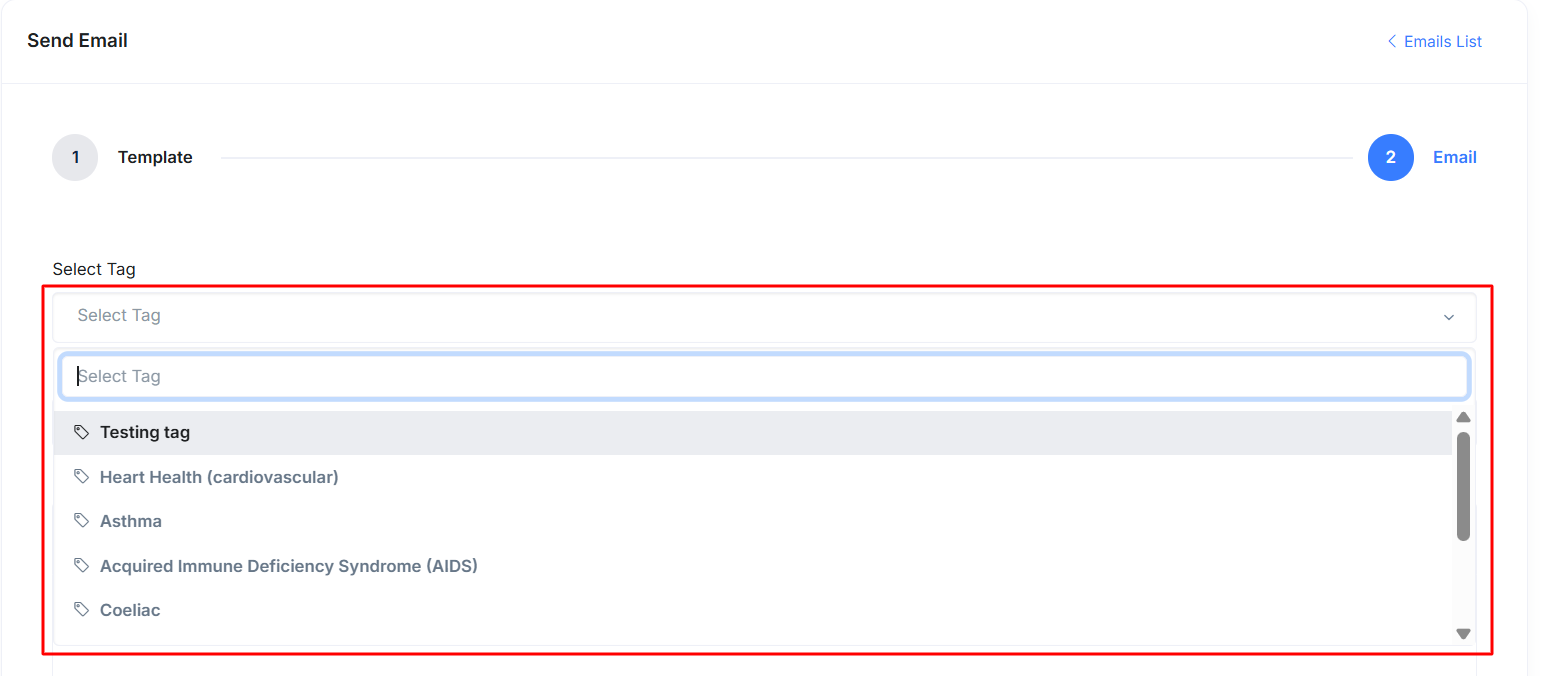
- Now that you are in the email menu, select which group of users you wish to receive this email based on the tags you have previously assigned to them.
- After you are happy with your email and your selected tag(s) click Send Email Now.