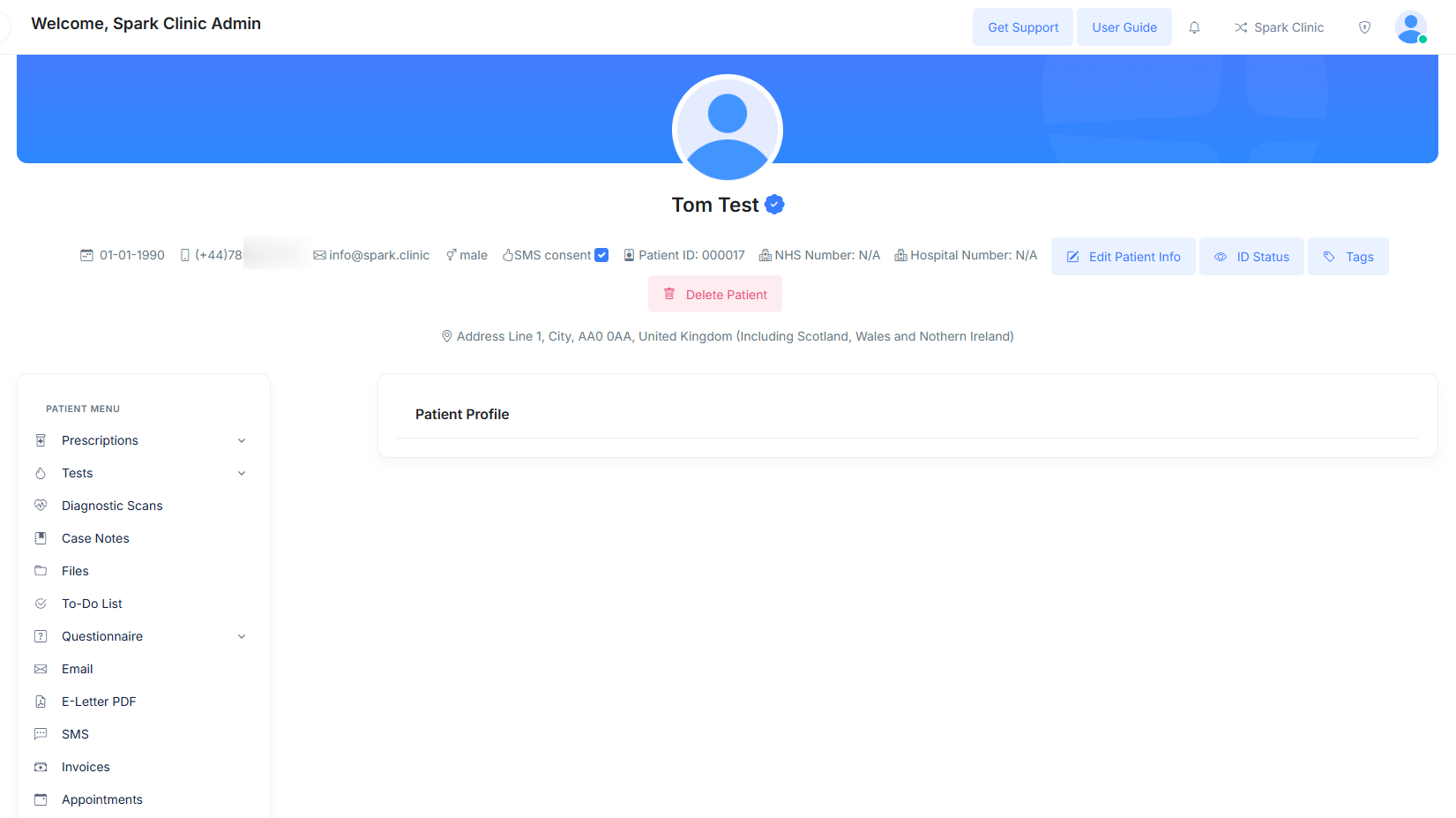
Viewing Existing Patient Profiles
If you have previously created a profile for a patient, you can easily view it by following these steps:
- Then select the "Patient List" under the 'Patient Care' section.

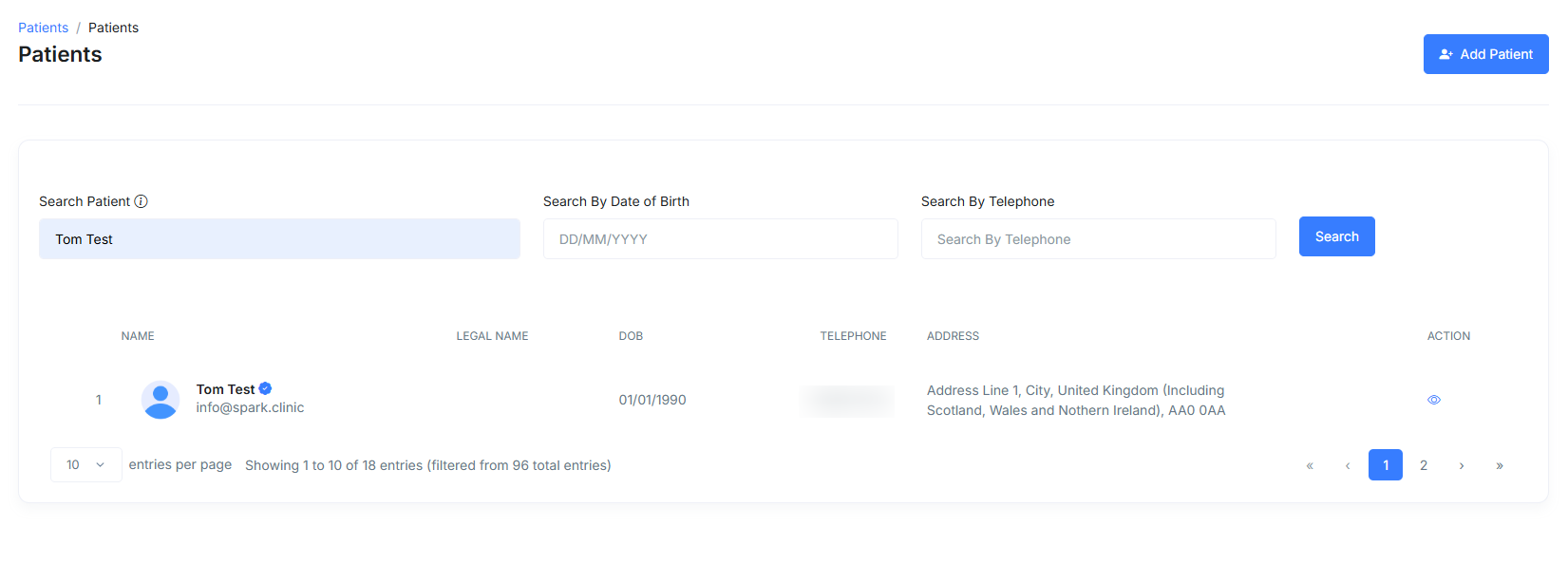
- From here you will be able to search for a patient by either their name, email, telephone number or date of birth.

- After entering the patient's name, date of birth, or telephone number, the patient's information will appear below.
- To view your patient's details, click the patient's name or the eye icon under the "Action" column.
- Now you should have arrived at your patients profile.