Appointment Reminders
Spark.Clinic offers a robust system for managing appointment reminders through both email and SMS. To effectively manage appointment reminders within Spark.Clinic, you will first need to create either an email or SMS reminder template.
How Do You Enable Appointment Reminders?
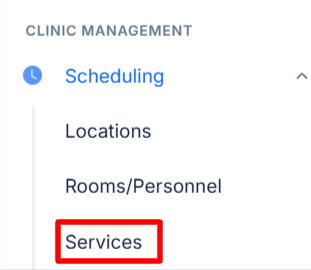
- To enable appointment email reminders, first go to the clinic management menu, select âSchedulingâ then "Services".
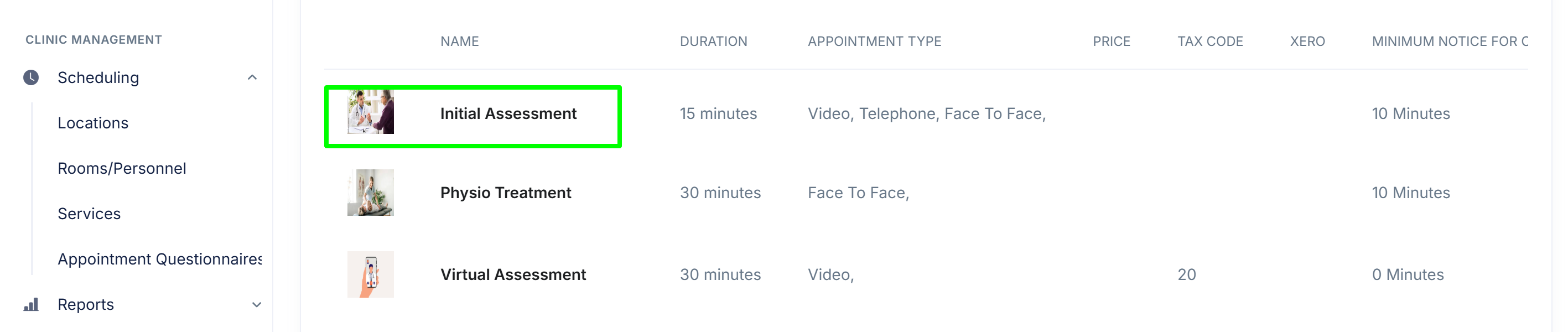
- Next, choose the service for which you want to set up appointment reminders. For instance, I'll select the initial assessment service.
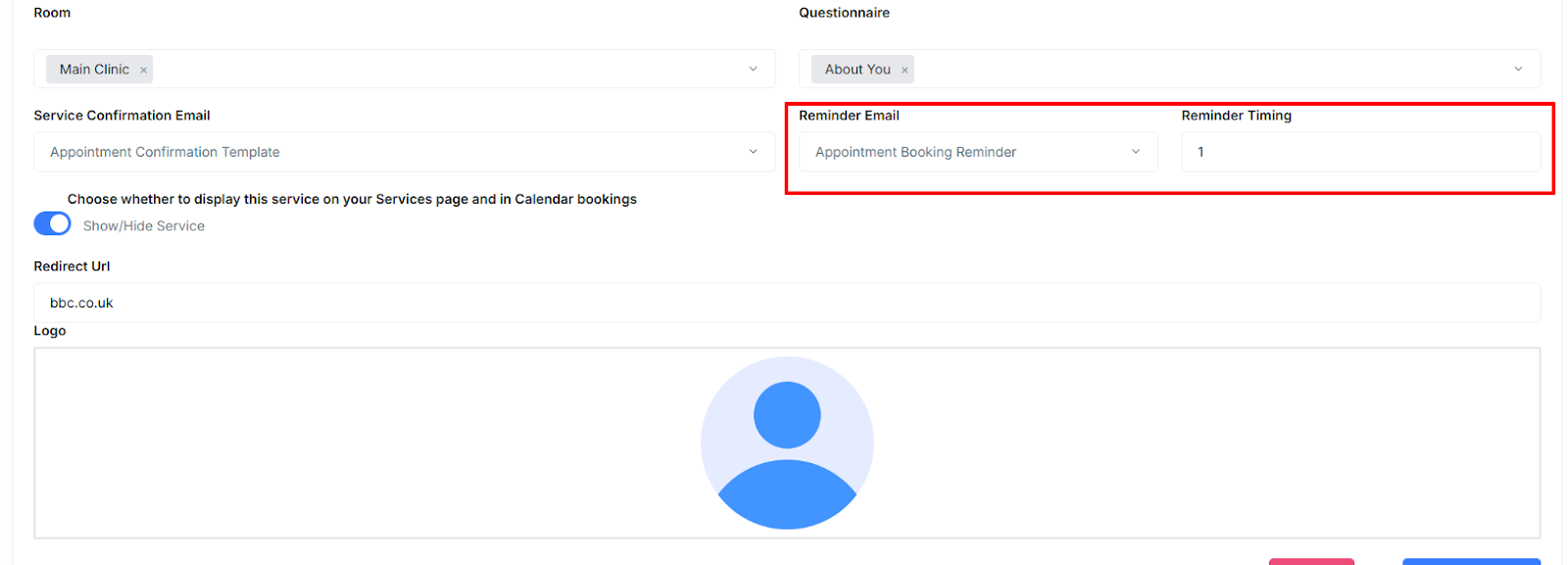
- Under the âReminder Emailâ section, choose an email template and specify how many hours before the appointment you want the reminder email to be sent. For instance, entering "24" will schedule the email to be sent 24 hours prior to the appointment.
- Now the final step is to click âupdate serviceâ to ensure your appointment reminder settings are saved.
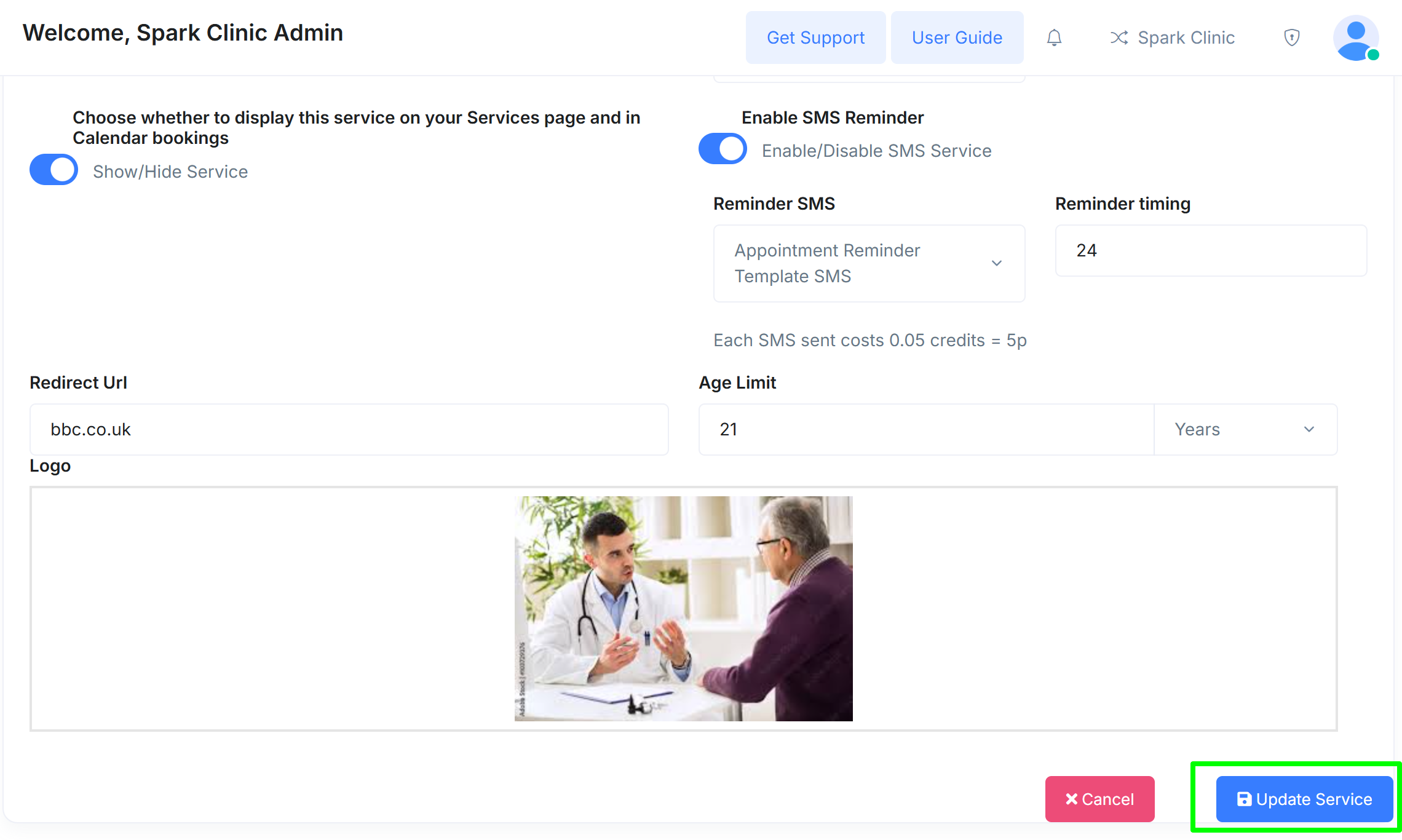
SMS Reminders
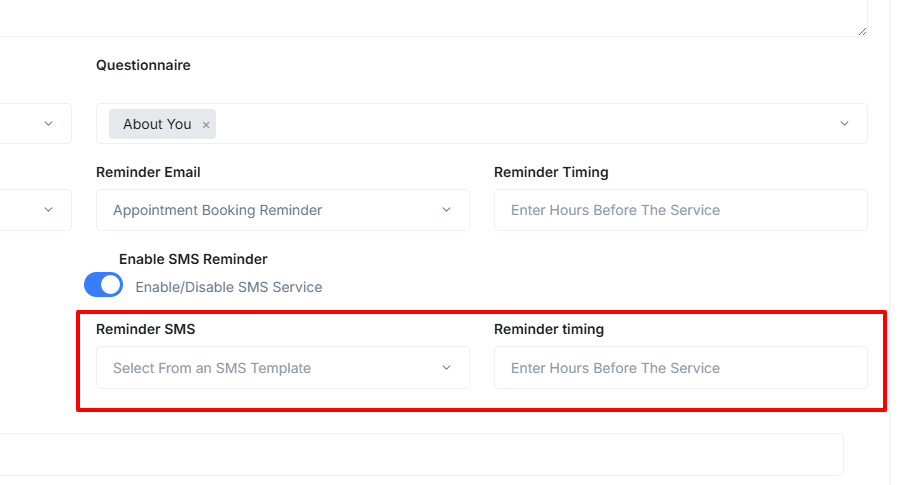
- SMS appointment reminders can also be automatically sent by enabling the option during the appointment booking process.
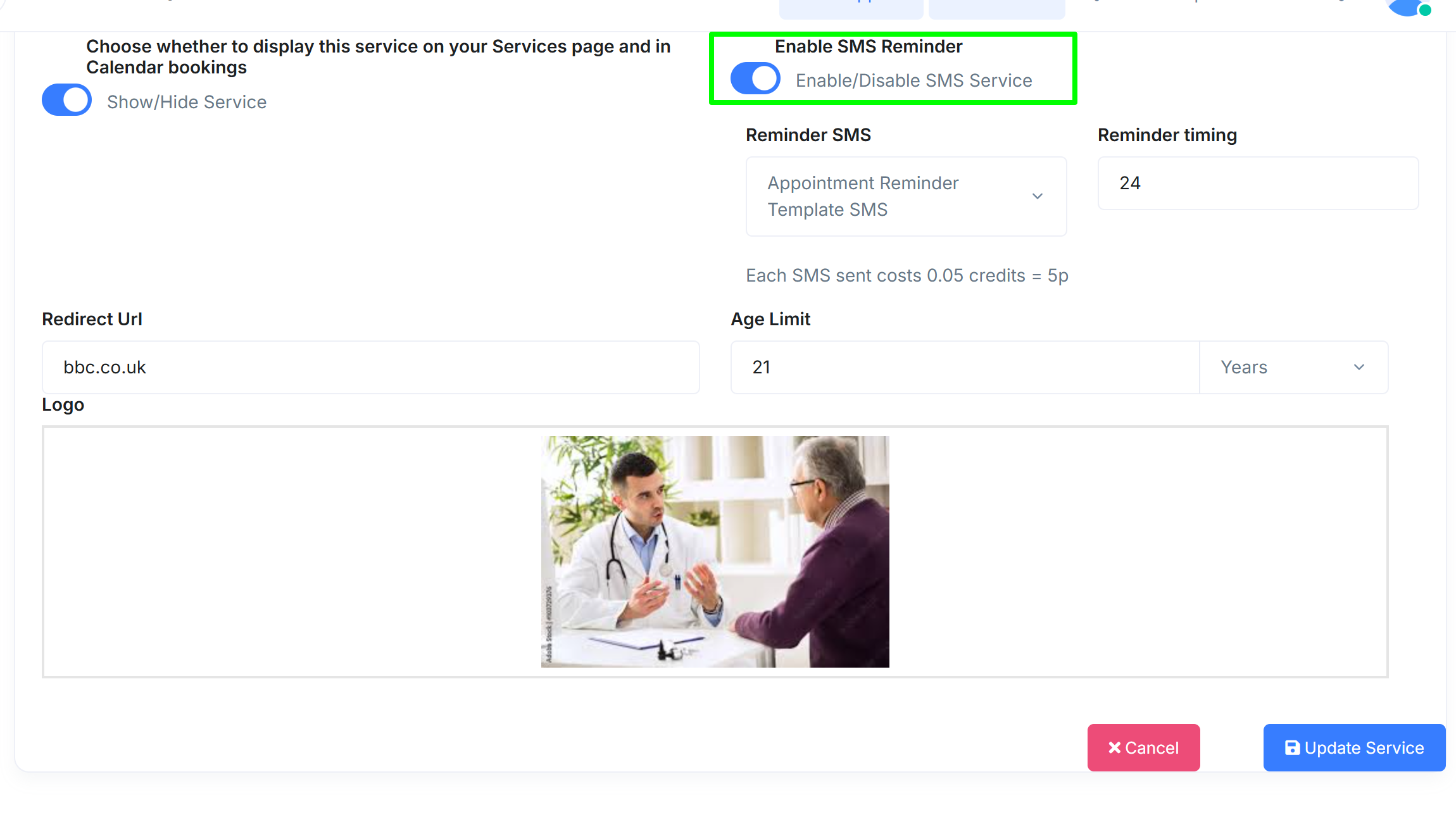
- You also have the option to choose the timing and template for your reminder.